Physical media tracker
Library Rewind
Your shelf, catalogued.
Keep track of every VHS, DVD, Blu‑ray and 4K disc you own. Scan a barcode or type a title, and Library Rewind fills in the rest, with a little retro charm on the side.
In the works. Not in the store yet.
How it works
Four steps. One tidy shelf.
-
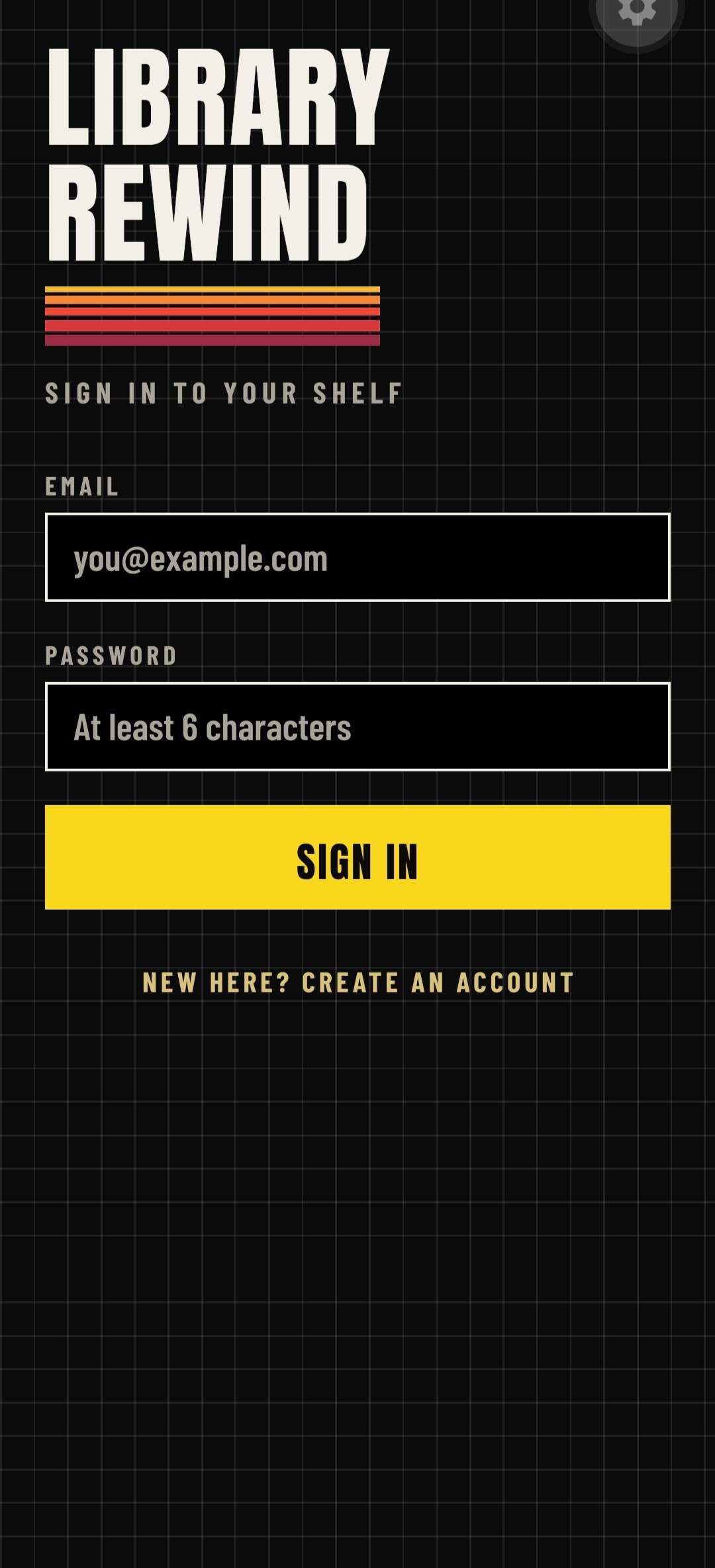
Sign in
Make an account with your email to keep it secure. Upgrade so your shelf follows you from device to device.
-
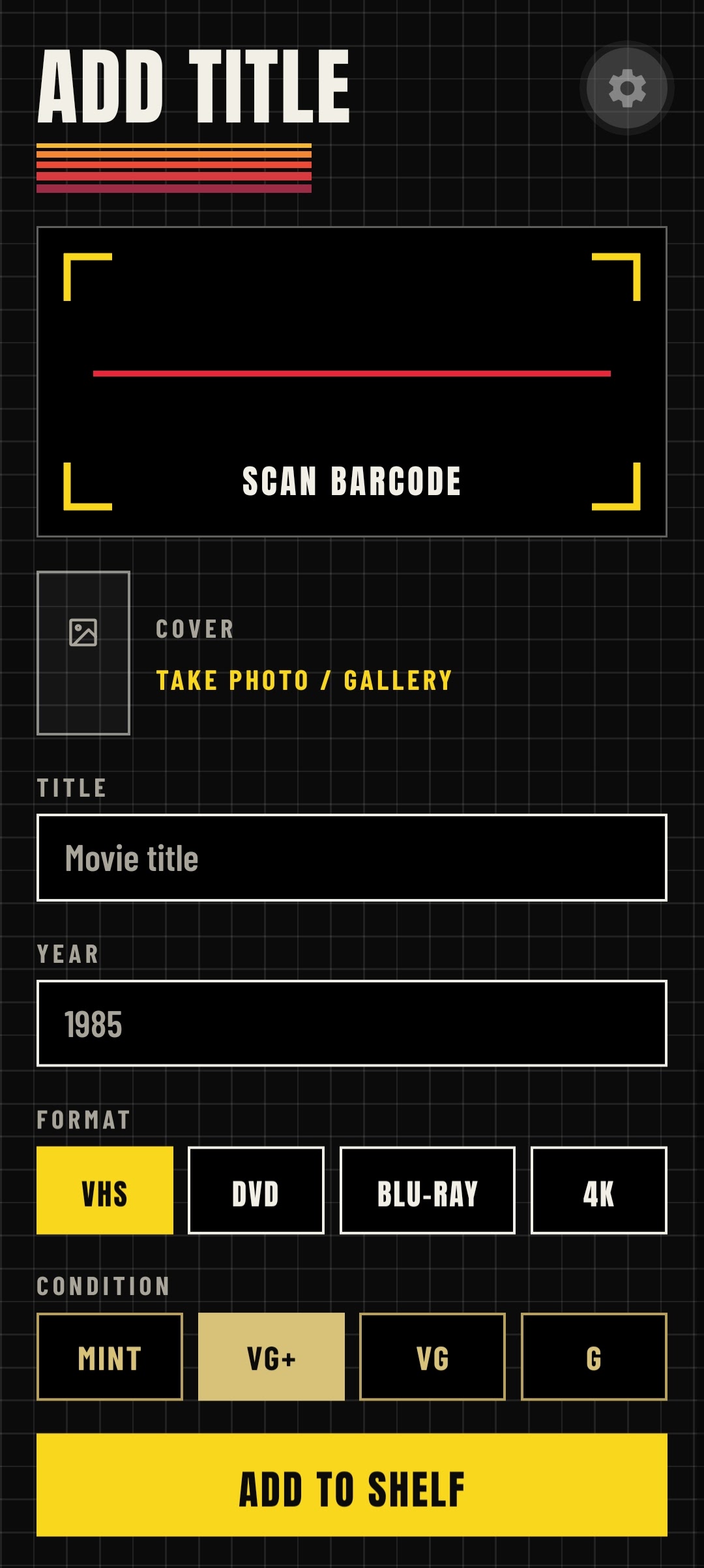
Add a Movie
Scan the barcode or type the title. Either way works.
-
Let it fill in
Titles already in the shared catalogue auto-fill, and new ones to help grow the catalog.
-
Own it
Your whole collection on one shelf, so you never buy a second copy by accident.
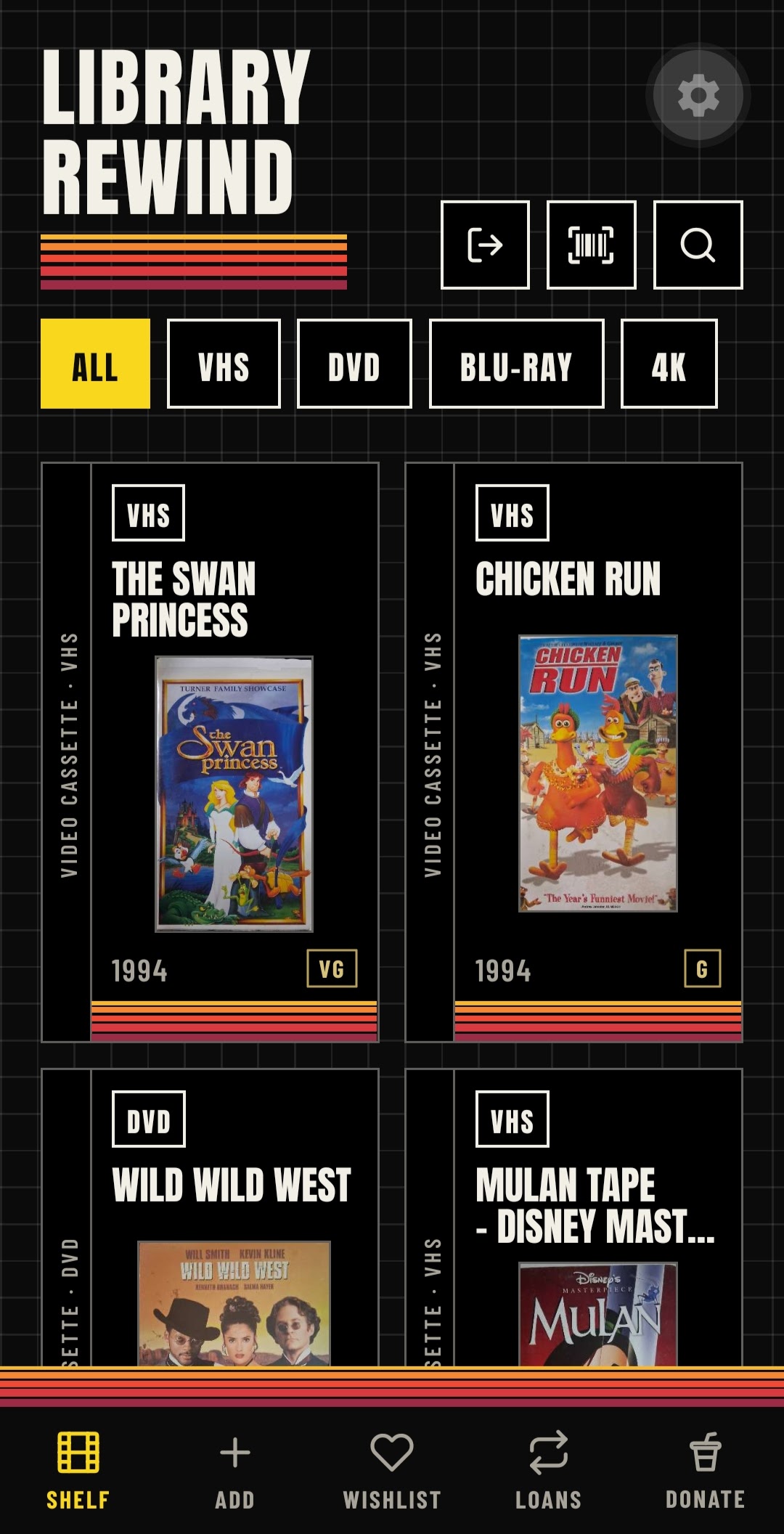
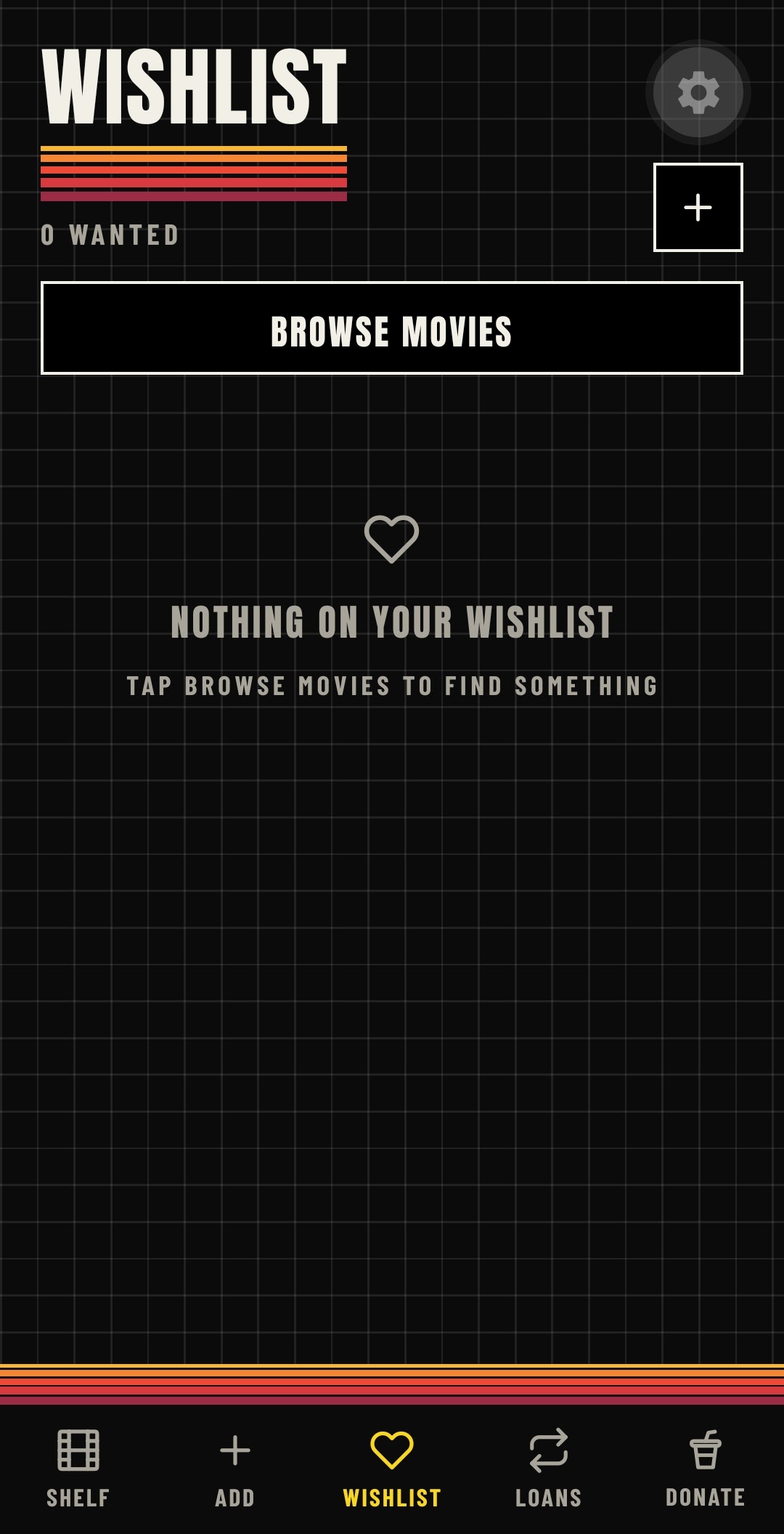
Inside the app
A look behind the curtain.
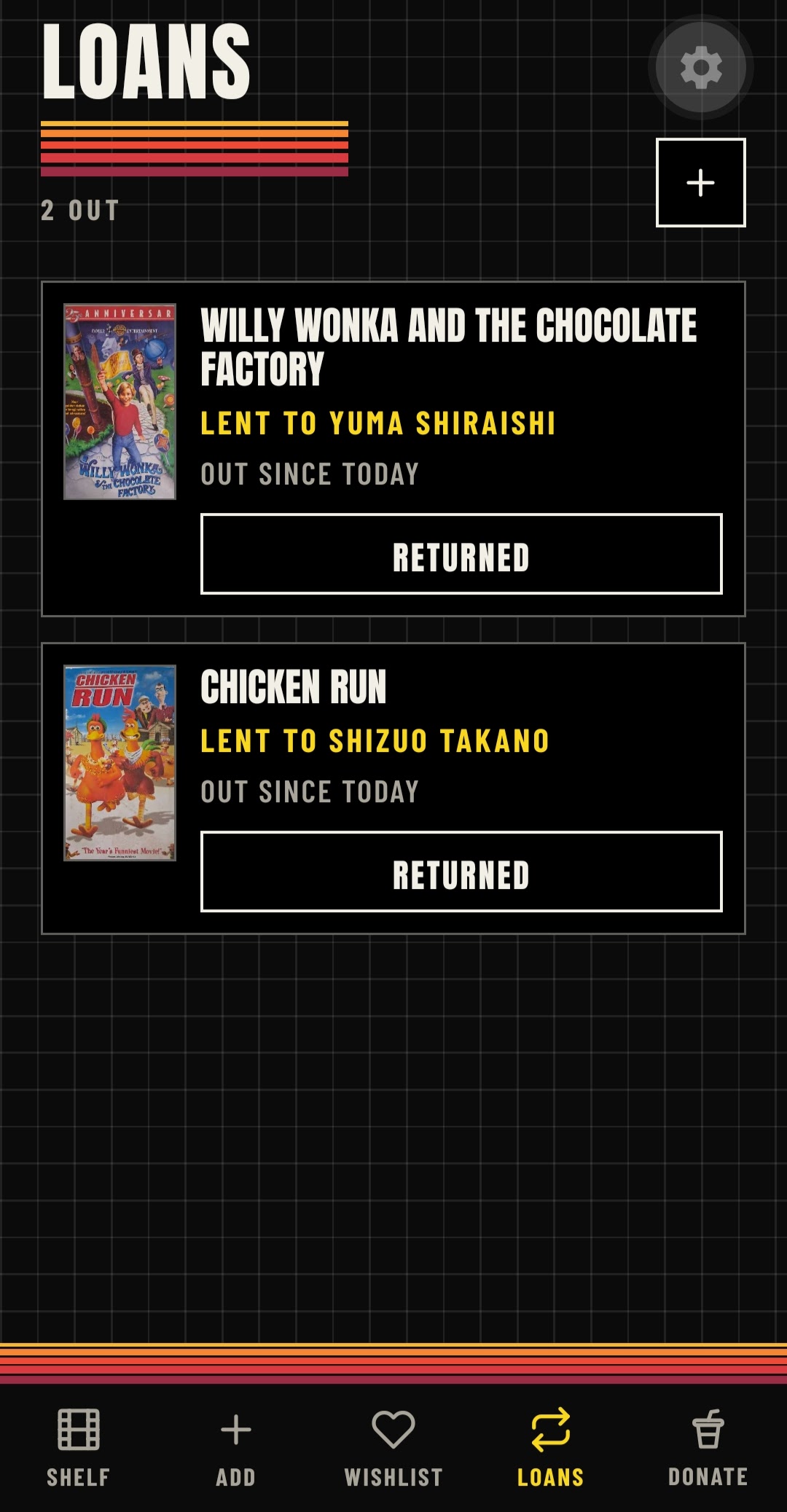
Every format
From tape to 4K.
VHS
The tapes in the attic that you refuse to part with.
DVD
The shelf that grew out of the 2000s and never stopped.
Blu‑ray
The crisp HD collection, steelbooks and all.
4K
The newest, shiniest discs on the shelf.
Why bother
Know what you own.
-
One shelf, all formats
Stop guessing whether you already own it. Everything lives in one catalogue, whatever it plays on.
-
Scan or type
Point your camera at the barcode, or just type the title. Adding a film takes seconds.
-
A shared catalogue
Titles other people have added auto-fill for you, so you spend less time typing and more time watching.
-
Your own cover photos
Snap and upload the cover so your shelf looks like the one on your wall.
-
Retro charm
Rewind, fast forward, a little static. A tracker that feels like the stuff it keeps track of.
-
Pick up where you left off
Your library is always free, but upgrade and your collection follows you from device to device.
Library Rewind
Got a shelf to catalogue?
Questions, feedback, or want to know when it's out? We read everything and reply like humans.
Ask about Library Rewind ← Back to all apps